Inspection
Kai · Product specialist · 29 s
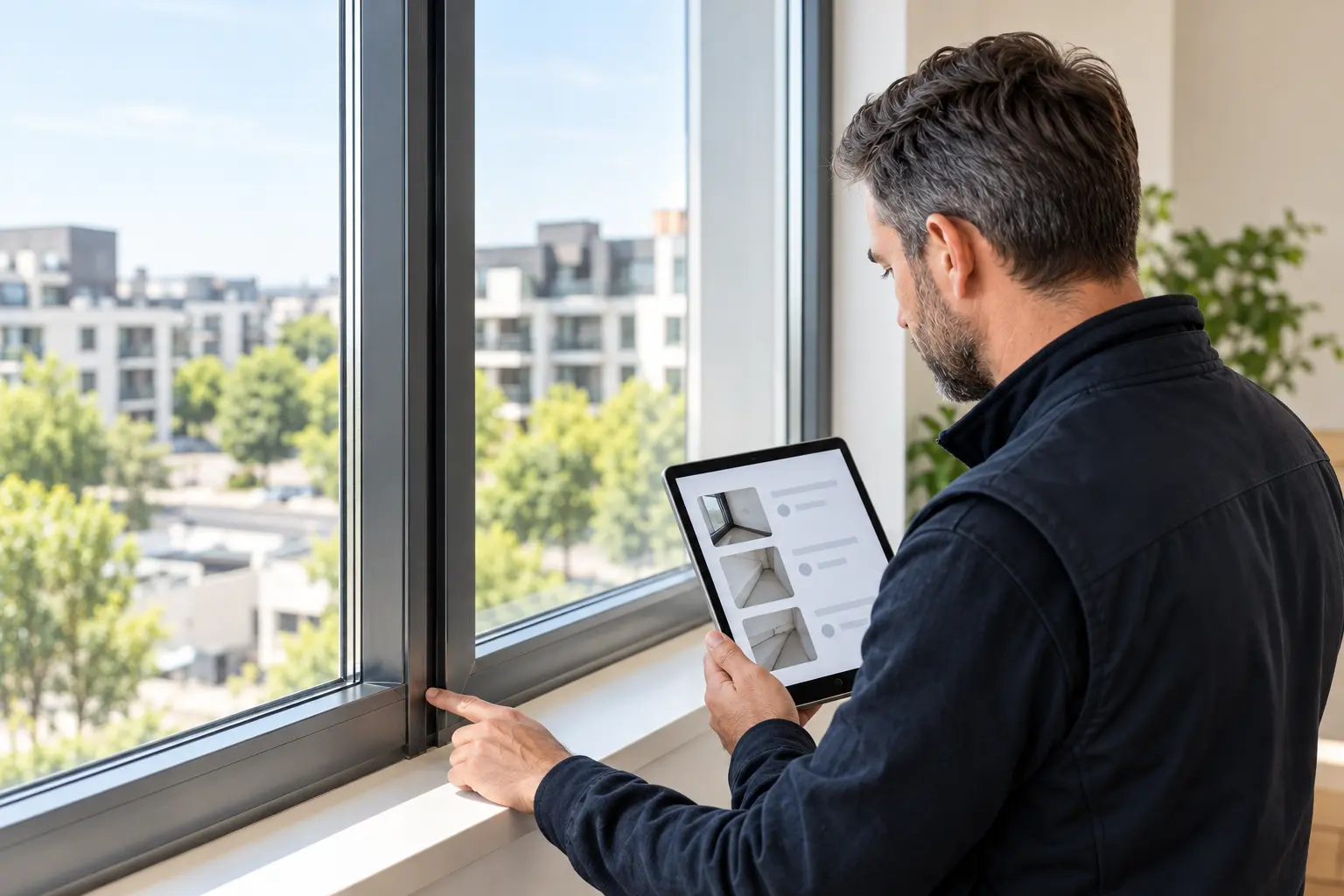
Record the condition of a home, room or installation. From check-in and check-out to periodic inspections: inventory, photos, meter readings, comments and follow-up belong to the same record.
For landlords, property managers, inspectors, building managers and site teams.
 Inspections & condition reports
Less duplicate entry, less sorting through photos afterwards and less rebuilding reports.
Design of the product explanation · not a live product demo. Features and package coverage must be confirmed before publication.

Inspections
Product specialist
Calls and live chat are not available yet. Contact us for more information.
Contact usKai · Product specialist · 29 s
ObraPad is designed to keep Obra Core as the shared foundation while you add capabilities over time.
Building-specific activation and restricted installer access are being prepared for the pilot and verified end to end. Ask which scopes can currently be tested.
The pilot direction is to begin with one workspace and add more later.
The planned flow activates Construction only for the building being renovated; other buildings stay unchanged.
The access model is being developed so an installer or partner can use only the selected building, installation or task.
In the intended scenario, the installer only accesses the heat pump, its documents and assigned maintenance tasks in one building. Other buildings, financial information and private documents remain outside the scope. View, change, duration and revocation controls must be proven server-side before availability.
The design keeps an additional workspace and partner access as separate choices, with the building passport as the shared foundation.
Today: The initial condition is missing when the final condition is disputed.
Your workflow: Create two versioned records of the same rooms, inventory, meters and keys.
The result: A comparison with source references, not an automatic liability decision.
Today: A snagging list grows outside the project.
Your workflow: Record each item with its room, photo and responsible person, and link the reinspection.
The result: Visibility into what was identified, repaired and actually reviewed.
Today: An inspection is checked off, but evidence or follow-up is missing.
Your workflow: Use the correct checklist version and link findings to measures or work orders.
The result: A traceable inspection without treating an empty tick as approval.
Walk through a fictional inspection: rooms, inventory, meter readings, keys and a comparison of the initial and final condition.
The architect writes in Dutch. The contractor reads in Spanish. The reply and original stay with the same task.
Depends on configurationPhotos and spoken observations become a draft report with action points, roles and deadlines.
Planned AI enhancementYou: Choose the property, unit, record type and participants. Where relevant, link the existing contract or stay.
ObraPad helps: The property and contract context does not need to be recreated as a separate file; each record still retains its own date and version.
You: Reuse rooms from the building, add a room or use a suitable template. Describe floors, walls, ceilings, doors, windows and finishes.
ObraPad helps: The fixed layout can be reused; previous damage, photos, meter readings, signatures and approval status are not copied as new findings.
You: Record relevant quantities, characteristics and conditions of furniture, equipment and accessories. Explicitly mark any item that was not checked.
ObraPad helps: Objects remain linked to the same room. Unknown does not automatically mean absent or satisfactory.
You: Record electricity, water or gas with the meter identity, unit and, where needed, multiple registers. Record keys, badges and remote controls by type.
ObraPad helps: The record date and the relevant object keep readings and quantities tied to the correct handover moment.
You: Link overview and detail photos to the room, inventory item or finding. Add a description and annotation.
ObraPad helps: The original evidence remains identifiable alongside derived previews and comments; the record determines the context.
You: Place two records of the same room or item side by side. Record a difference, response or dispute.
ObraPad helps: The source records remain separate and unchanged. An unrecorded item is not given an invented initial condition.
You: Compile a draft, process comments and track who has viewed or confirmed which version. Provide the required PDF/Word output and signature method according to available features.
ObraPad helps: The report and responses remain linked to a specific version. After a final version, a correction becomes a new version or addendum, not a silent overwrite.
You: The shared Template Builder roadmap provides for custom sections, fields, photo requirements, follow-up questions and approved template versions.
ObraPad helps: An execution refers to the version used. A new template does not change a completed inspection.
You: Use targeted records for installations, common areas, quality or handover items, with findings and evidence.
ObraPad helps: The same inspection approach can be used from Maintenance, Building Management or Construction, depending on configuration and access.
You: Link an assessed finding to the responsible person, priority, deadline and repair order. Review the repair evidence later.
ObraPad helps: The original finding remains linked to the task and any reinspection. Reported complete and verified remain distinct.
You: Let participants read comments and report views in their preferred language, while keeping the original report accessible.
ObraPad helps: Translation keeps the original, source version, numbers, units and object references recognizable. Available languages and features depend on the configuration.
You: Choose the room and checklist, dictate findings and take photos for the correct observation.
ObraPad helps: After source verification, the planned AI flow structures findings, photo references, a draft report and repair proposals. No automatic damage assessment or signature.
Reuse the room layout and permitted file context; make required fields and missing evidence visible; align follow-up with confirmed dates and configured rules.
With an available AI feature: process dictated notes and prepare draft text. A possible deviation remains linked to its source and requires review.
You record the actual condition and assess differences. Responses, signatures, repair decisions and any financial settlement remain separate steps.
You define your workflow and boundaries. Routine can follow those rules; AI helps with preparation; exceptions remain visible. The capabilities you use depend on the available features and your plan.
Rewriting rooms at every handover, storing photos separately and then gathering meter readings, keys and comments afterwards.
One record per moment: reusable room layout, new findings and a traceable comparison with the previous condition.
Formula: number of tasks × (minutes now − minutes after the change) ÷ 60.
20 tasks × (15 − 10 minutes) = 100 minutes, or 1 hour and 40 minutes per month.
This is fictitious input, not a predicted product saving. Include checks and any additional actions. A negative result means additional time.
The editable calculation is available when this presentation is opened with JavaScript. Time freed up does not automatically represent a realised cost saving.
Checklists · rooms · photos · findings. Continue with the same property context; do not create a second file.
For example, dictated findings or document processing to support your inspection.
An add-on already included in your plan is not offered again. The exact features, limits and any additional price are shown with your configuration.
Workspaces and add-ons explained →Both provide access to the same process, not to two different reports. Rental supplies property, contract and stay context; Inspection manages the record, evidence, comparison and report version. Availability follows the configuration.
Yes, in the intended workflow you reuse the structure and fixed descriptions. New photos, damage assessments, meter readings, signatures and statuses are recorded again. The source report is retained.
No. A finding, difference, dispute, assessment and financial settlement are separate elements. The example does not automatically judge cause, liability or offset.
We do not make that claim. Report output, signature method, participants and applicable requirements must be checked for the specific use. AI does not provide technical approval.
 Help me choose