Buildings
Sofia · Product specialist · 31 s
Bring spaces, installations, plans, warranties and maintenance history together. This turns your building into a practical digital record — with a Digital Twin and a lasting building passport.
For owners, building managers and technical teams.
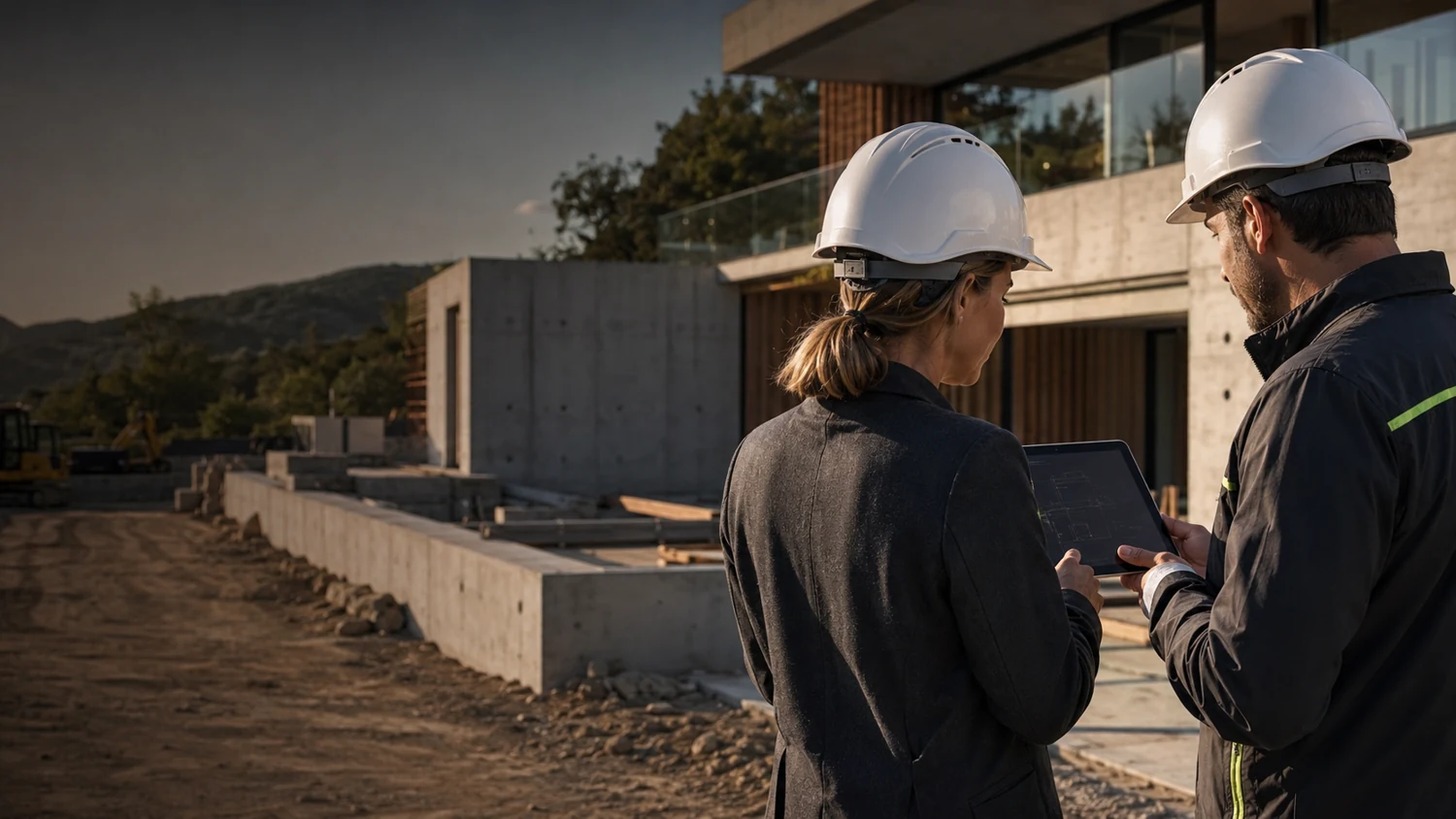 Buildings
Less time spent searching on site and less knowledge lost during handover.
Design of the product explanation · not a live product demo. Features and package coverage must be confirmed before publication.
Meet Sofia
All the information about a building in one familiar place.
Explore a practical example
Buildings & building passport
Product specialist
Calls and live chat are not available yet. Contact us for more information.
Contact usSofia · Product specialist · 31 s
ObraPad is designed to keep Obra Core as the shared foundation while you add capabilities over time.
Building-specific activation and restricted installer access are being prepared for the pilot and verified end to end. Ask which scopes can currently be tested.
The pilot direction is to begin with one workspace and add more later.
The planned flow activates Construction only for the building being renovated; other buildings stay unchanged.
The access model is being developed so an installer or partner can use only the selected building, installation or task.
In the intended scenario, the installer only accesses the heat pump, its documents and assigned maintenance tasks in one building. Other buildings, financial information and private documents remain outside the scope. View, change, duration and revocation controls must be proven server-side before availability.
The design keeps an additional workspace and partner access as separate choices, with the building passport as the shared foundation.
Today: The manual, warranty certificate and maintenance records are in separate folders.
Your workflow: Open the installation record or the linked QR code.
The result: The relevant documents and events are kept with the same device.
Today: The same property layout is entered again each time.
Your workflow: Transfer spaces and inventory to Inspection as a blank inspection structure.
The result: A reusable basis with new, separate observations.
Today: It is unclear which information is still current.
Your workflow: Compare document revisions and previous work for the space concerned.
The result: Prepare more precisely without confusing design and execution.
The architect writes in Dutch. The contractor reads in Spanish. The reply and original stay with the same task.
Depends on configurationFrom the correct plan revision to 2D, 3D and AR guidance in the room. With dimensions and verification.
AR Set-out · plannedYou: Organize floors, spaces and technical installations in one structure.
ObraPad helps: Tasks and documents can refer to the same component.
You: Keep the brand, type, supplier and relevant product documentation with the installation.
ObraPad helps: The history remains linked to that installation.
You: Use a linked QR code to open the relevant space or installation.
ObraPad helps: The linked identity provides the context; access rights still apply.
You: View the available plans; a linked 3D model can add spatial navigation.
ObraPad helps: The roadmap links objects to tasks and documents in the same context.
You: Bring relevant certificates, plans, work and maintenance data together.
ObraPad helps: Connected workflows continue building on the same building history.
You: Connect supported sensors or systems when that integration is available.
ObraPad helps: Proposed thresholds can support alerts and follow-up.
You: Record the fixed space layout and relevant inventory, devices and components.
ObraPad helps: Inspection and Rentals can reuse the same objects without carrying old condition assessments over as new observations.
You: Consult linked inspections, work, document versions and warranties from the installation record.
ObraPad helps: Events from the other workspaces refer to the same object.
You: Discuss a question about the same space or installation with the owner, manager and technician.
ObraPad helps: The original and translated view remain connected. Measurements, source references and important instructions are not silently changed.
You: Select the space or its QR reference and open the relevant approved plan.
ObraPad helps: The AR roadmap reuses the same space and object identity. An ordinary QR code is not automatically a precise calibration anchor.
Pass a selected space or installation to documents and tasks.
Answer questions about the building using source information, depending on the AI configuration.
Review data, access and technical findings where needed.
You define your workflow and boundaries. Routine can follow those rules; AI helps with preparation; exceptions remain visible. The capabilities you use depend on the available features and your plan.
Look up a manual, then the supplier and then previous interventions.
Open the installation and view its documents, stakeholders and history together.
Formula: number of tasks × (minutes now − minutes after the change) ÷ 60.
20 tasks × (15 − 10 minutes) = 100 minutes, or 1 hour and 40 minutes per month.
This is fictitious input, not a predicted product saving. Include checks and any additional actions. A negative result means additional time.
The editable calculation is available when this presentation is opened with JavaScript. Time freed up does not automatically represent a realised cost saving.
Building · spaces · installations · building passport. You continue working with the same property context; you do not create a second record.
Consider document extraction or Copilot assistance in your building record, depending on the package.
An add-on already included in your plan is not offered again. The exact features, limits and any additional price are shown with your configuration.
Workspaces and add-ons explained →No. You can start with a recognizable building record, spaces, installations and documents. Advanced 3D and sensor functions are presented separately here as planned capabilities.
No. The QR code points to an object; access control determines which information the user may view.
 Help me choose