Construction Copilot · voice-to-report · planned

Walk around. Speak.
The report follows.

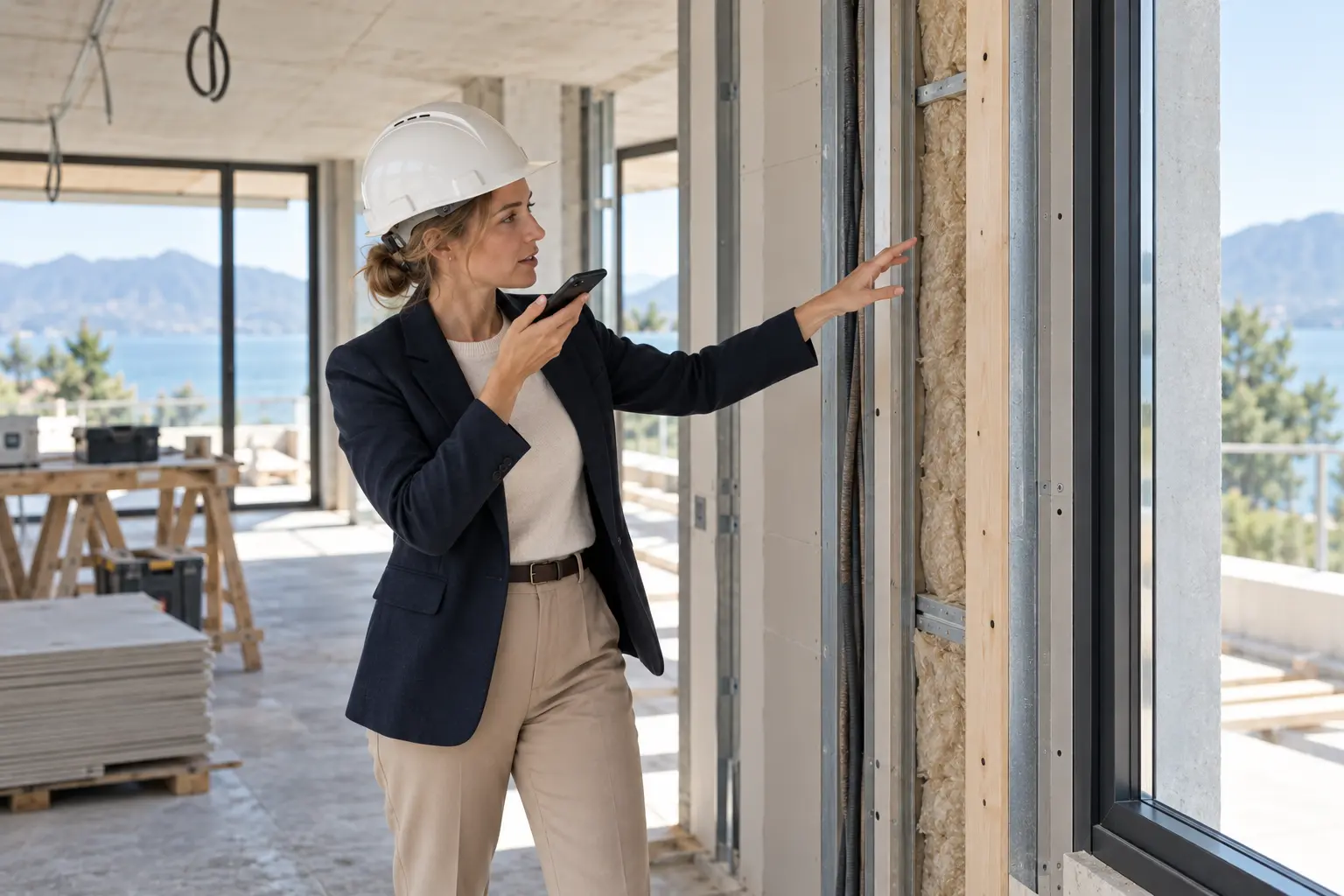
An architect takes photos and dictates comments during the walkthrough. The AI-generated draft brings observations, images and follow-up actions together—instead of requiring everything to be typed again that evening.

Explanation prototype · This is a local simulation with fixed sample text. No microphone, AI service, upload, task assignment or external sending is activated.

Illustration: an architect dictates an observation during a site walkthrough while pointing to a wall detail.
Illustrative site image · not a photo of an actually identified defect
Choose a space→Dictate + photos→Check transcript→Report & actions
Your gain

Less retyping of notes, less sorting of photos afterwards and less separate work to get action items to the right person.

This example does not assign a person based on a photo. The project role comes from the selected project configuration; an unclear role or instruction remains a question.

Sample dictation
Living room. Check the position of spotlight SP-LIV-02 against the approved lighting plan L-R18. Have the electrician verify the reference dimensions before drilling. Photo 1 belongs to this item. The finish by the window needs repair; photo 2 belongs to that. Please follow up by Friday. There is still an unclear point in the corridor: we will discuss that first.
Photo 1 → spotlight positionPhoto 2 → finishCorridor → unclear

Check the source first. Nothing is being recorded.

View the completed draft report
Draft site report · walkthrough R-017

Villa Mar / 17 September 2026

Source: confirmed sample transcript + explicitly linked photo references.

Simulation · no real report sent
01

Check spotlight position

Living room · SP-LIV-02 · source plan L-R18 · photo reference 1.

Responsible role
Project role: electrician — proposal
Deadline
18 September 2026 · interpreted from “Friday”, check first
Execution
Check the position; do not automatically move it by 20 cm. The approved design does not change.

02

Repair the finish by the window

Living room · window area · photo reference 2.

Responsible role
Project role: finishing — proposal
Deadline
18 September 2026 · pending confirmation
Follow-up
Add a repair photo; marking the work complete is not automatic quality approval.
?

Corridor: clarification needed

The comment contains no clear action, location or discipline. No assignment or deadline is invented.

From report to follow-up

Check the transcript, photo links, task content, role and deadline. After confirmation, the available task workflow can place the selected actions with the appropriate project role.

Report and follow-up

AI does the preparatory work.
Your agreements guide the action.

01

AI structures

Observations, spaces, images, actions and requested time frames. Missing information remains an open question.

02

Project roles guide

An approved workflow can assign confirmed tasks to the appropriate role. Extended automatic assignment is a design proposal, not a proven live feature.

03

Exceptions kept separate

A different spotlight position is a design change. Additional work, technical approval and contractual agreements are not silently made final from a single sentence.

Meet Lucas

Construction

A plan becomes a building. Its information grows with it.

Explore a practical example
Lucas

Lucas

Construction

Product specialist

Contact us

Watch the practical example

Pilot direction: start with one workspace and expand later.

ObraPad is designed to keep Obra Core as the shared foundation while you add capabilities over time.

Building-specific activation and restricted installer access are being prepared for the pilot and verified end to end. Ask which scopes can currently be tested.

Intended starting point

The pilot direction is to begin with one workspace and add more later.

Planned per-building expansion

The planned flow activates Construction only for the building being renovated; other buildings stay unchanged.

Planned access model

The access model is being developed so an installer or partner can use only the selected building, installation or task.

Intended example: heat pump maintenance

In the intended scenario, the installer only accesses the heat pump, its documents and assigned maintenance tasks in one building. Other buildings, financial information and private documents remain outside the scope. View, change, duration and revocation controls must be proven server-side before availability.

The design keeps an additional workspace and partner access as separate choices, with the building passport as the shared foundation.

Help me choose