Technical Care
Nico · Product specialist · 45 s
The online platform for your properties
Manage buildings, documents, tasks and collaboration in one place. In the office and on site.
Web · iOS · AndroidClick a workspace for more information.
Technical Care is being developed to guide you through technical questions, using your building information: equipment, manuals and previous reports.
Describe the problem and add a photo where useful. The aim is to help prepare safe initial checks and bring the relevant information together for a professional.
If there is danger or uncertainty, contact a qualified professional. Technical Care does not replace professional inspection.
Find out more →
Technical Care
Product specialist
In development
Nico · Product specialist · 45 s
ObraPad brings property management together in an online platform, with a mobile app for iOS and Android being prepared for the pilot.
Bring building information and documents together, follow up tasks and maintenance, and work with your team and partners from the same record.
The app is being developed for work on site: open a building or installation via QR, record inspections and add evidence photos to the right record.
The mobile apps are being prepared for the pilot. Ask about current testing options and access.
Ask about the app and pilot accessOne building passport for office and field work, keeping information connected to the right building.
ObraPad is designed to keep Obra Core as the shared foundation while you add capabilities over time.
Building-specific activation and restricted installer access are being prepared for the pilot and verified end to end. Ask which scopes can currently be tested.
The pilot direction is to begin with one workspace and add more later.
The planned flow activates Construction only for the building being renovated; other buildings stay unchanged.
The access model is being developed so an installer or partner can use only the selected building, installation or task.
In the intended scenario, the installer only accesses the heat pump, its documents and assigned maintenance tasks in one building. Other buildings, financial information and private documents remain outside the scope. View, change, duration and revocation controls must be proven server-side before availability.
The design keeps an additional workspace and partner access as separate choices, with the building passport as the shared foundation.
Spaces, systems, documents and people stay linked to the same record.
Choose the workspace that suits your work. No need to start again each time.
What you record today remains valuable context for tomorrow.
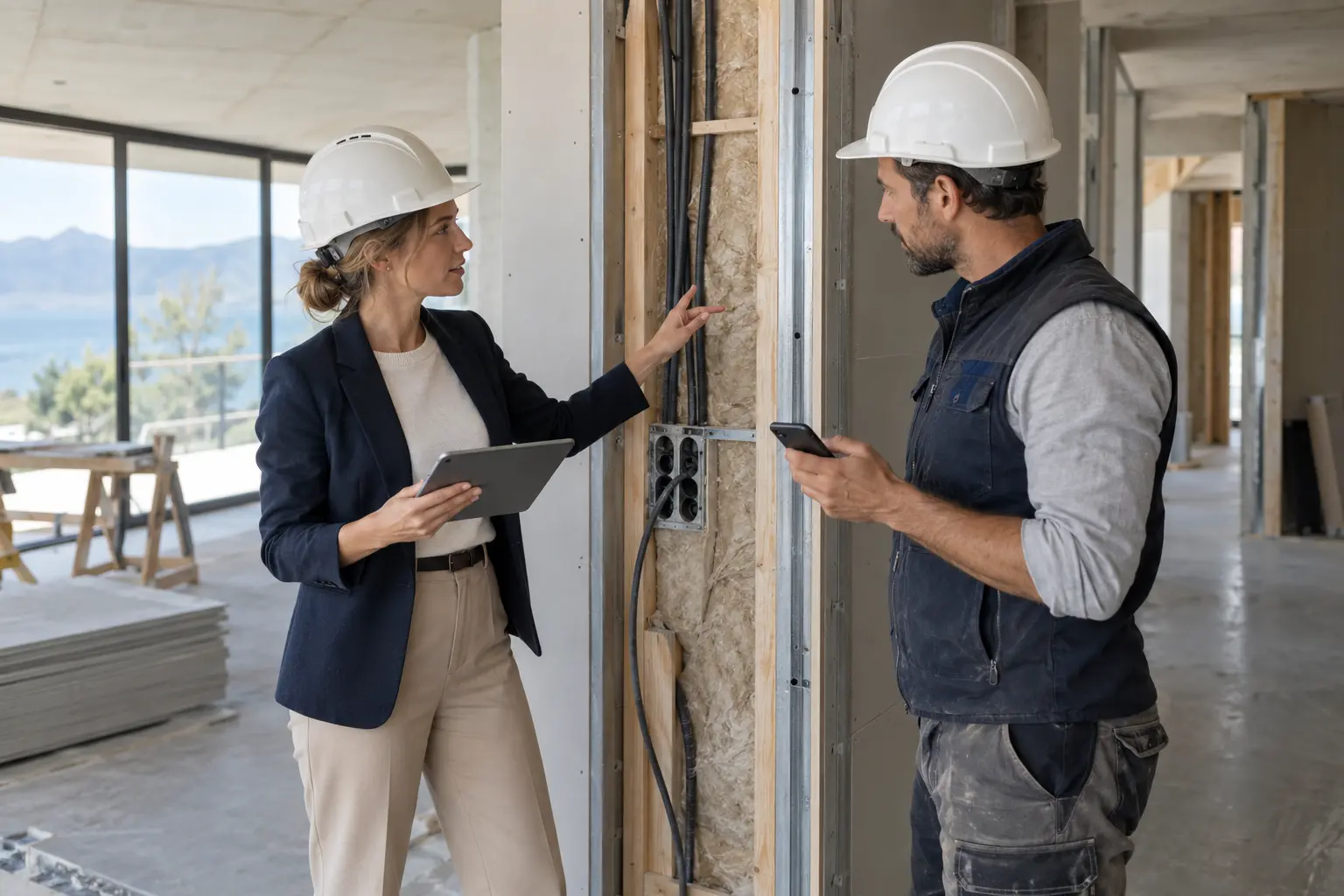
The architect writes in Dutch. The contractor reads in Spanish. The reply and original stay with the same task.
Depends on configurationSee how it works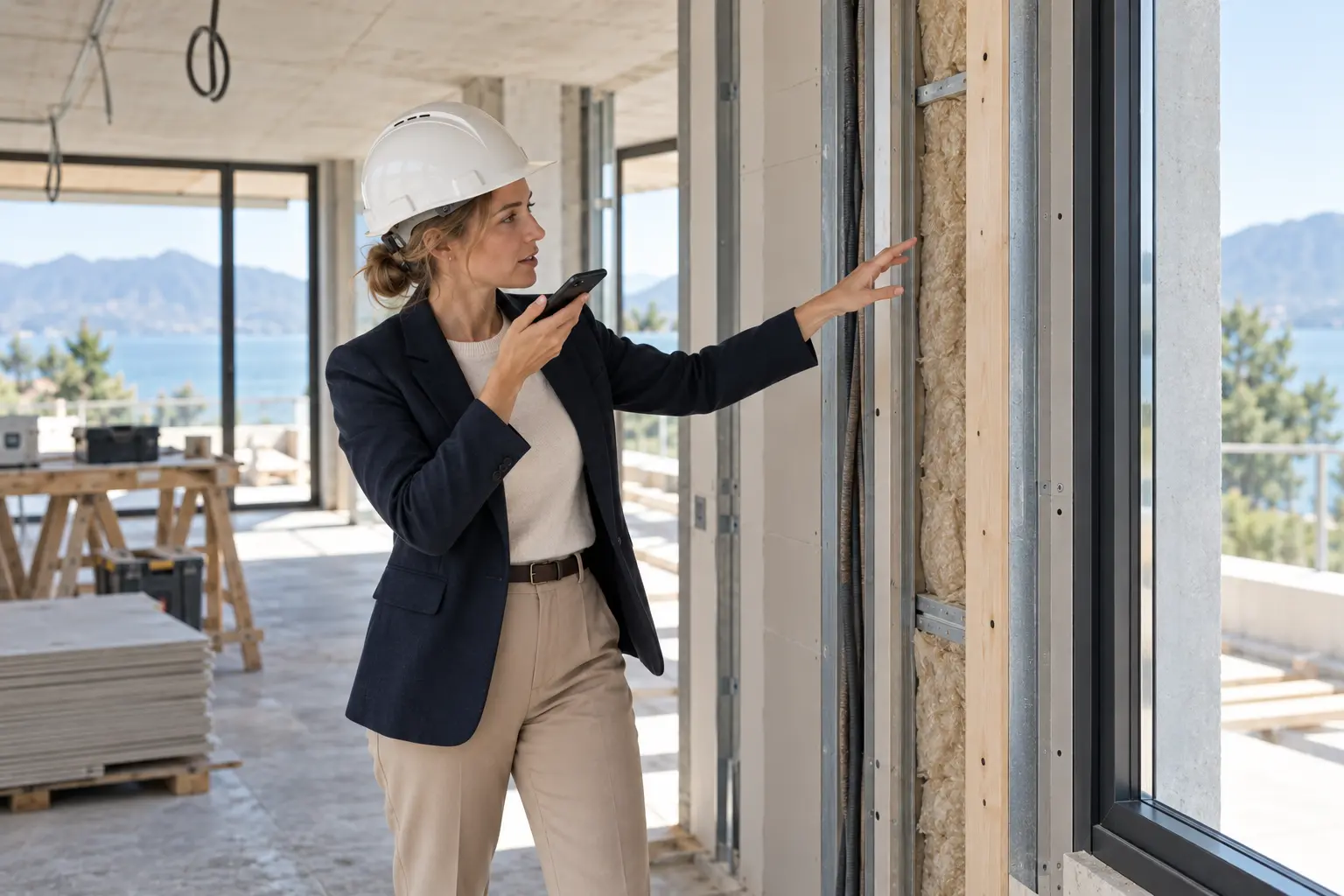
Photos and spoken observations become a draft report with action points, roles and deadlines.
Planned AI enhancementSee how it works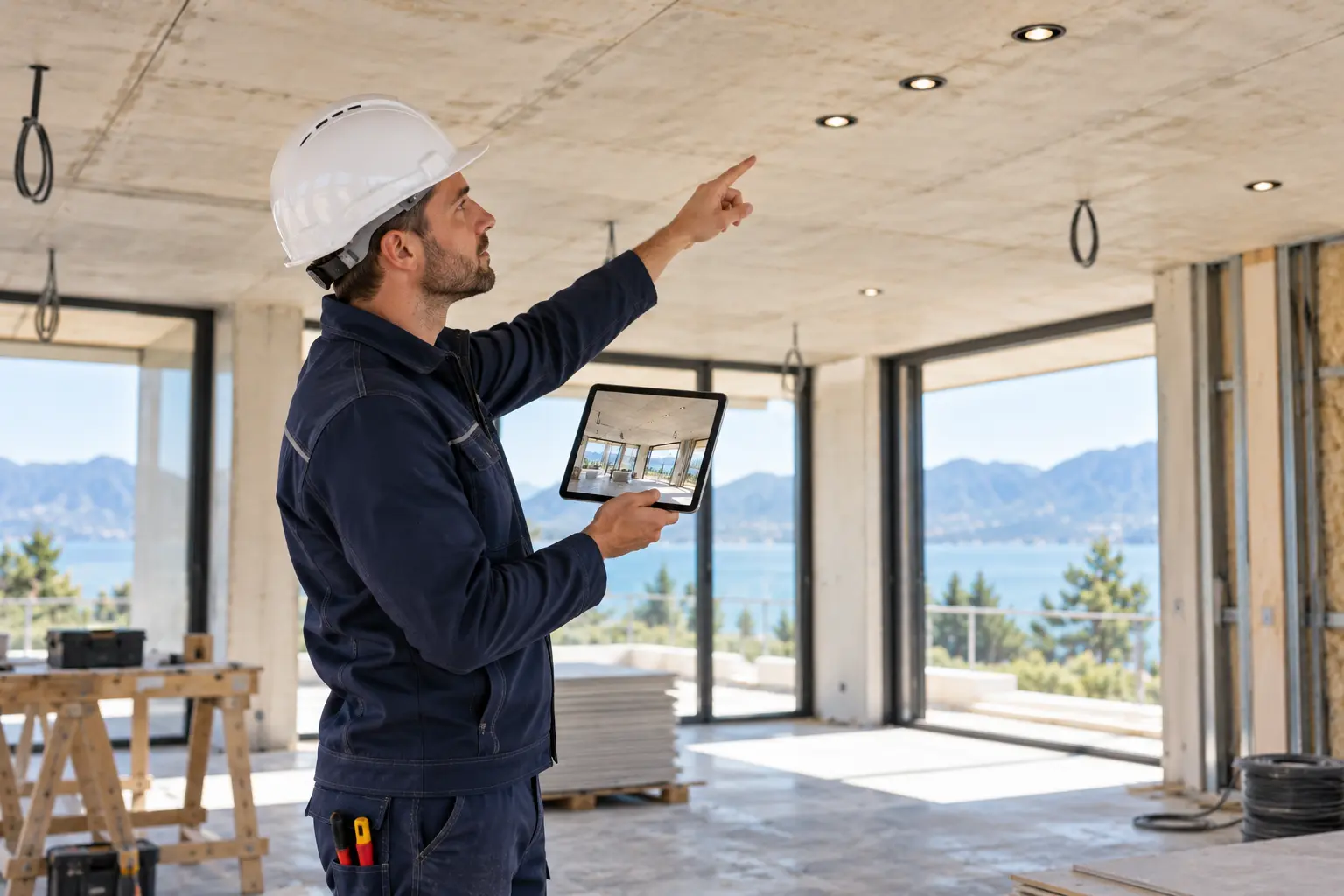
From the correct plan revision to 2D, 3D and AR guidance in the room. With dimensions and verification.
AR Set-out · plannedSee how it works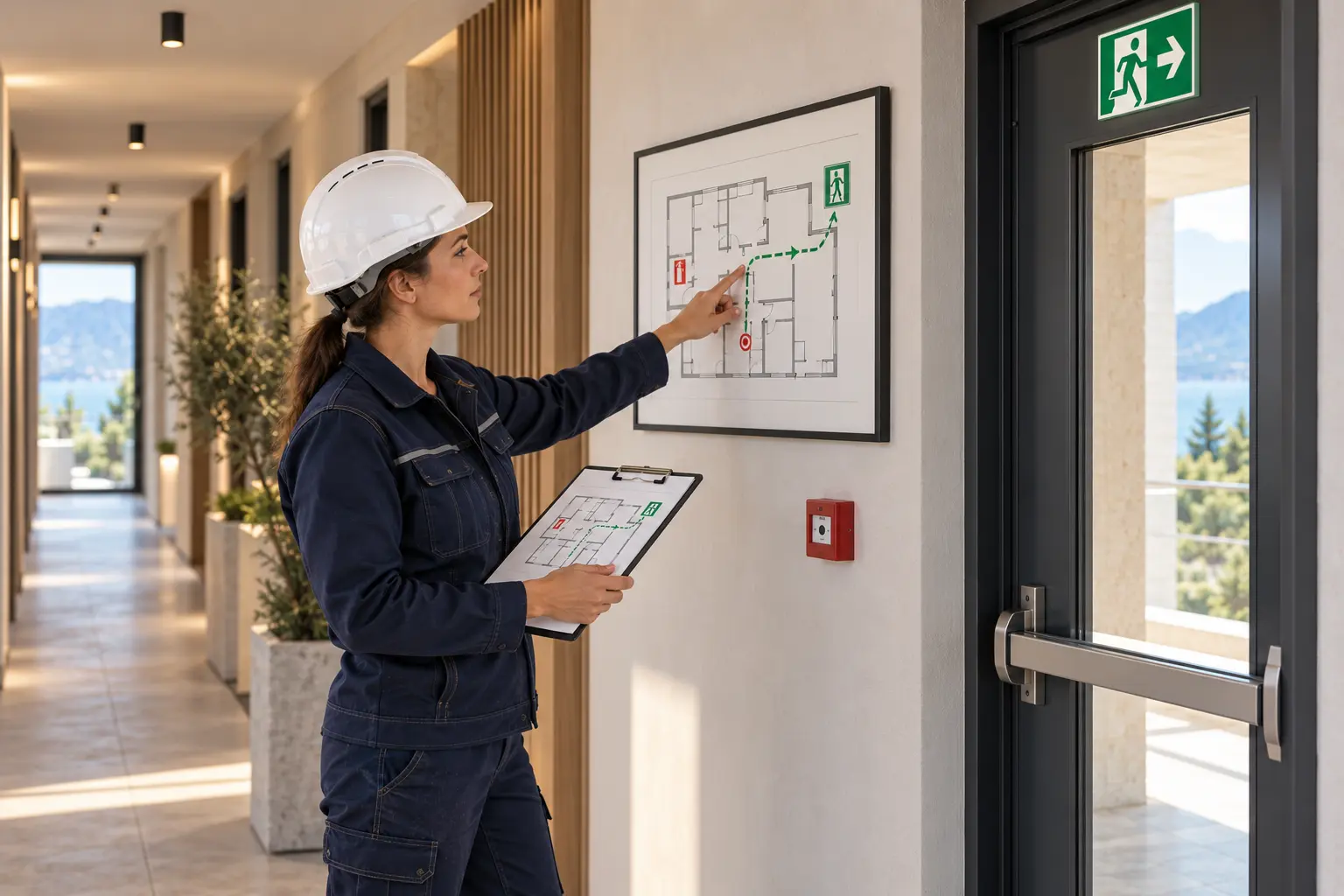
Keep approved plans, instructions, drills and follow-up linked to the same building.
Planned Prevention developmentSee how it works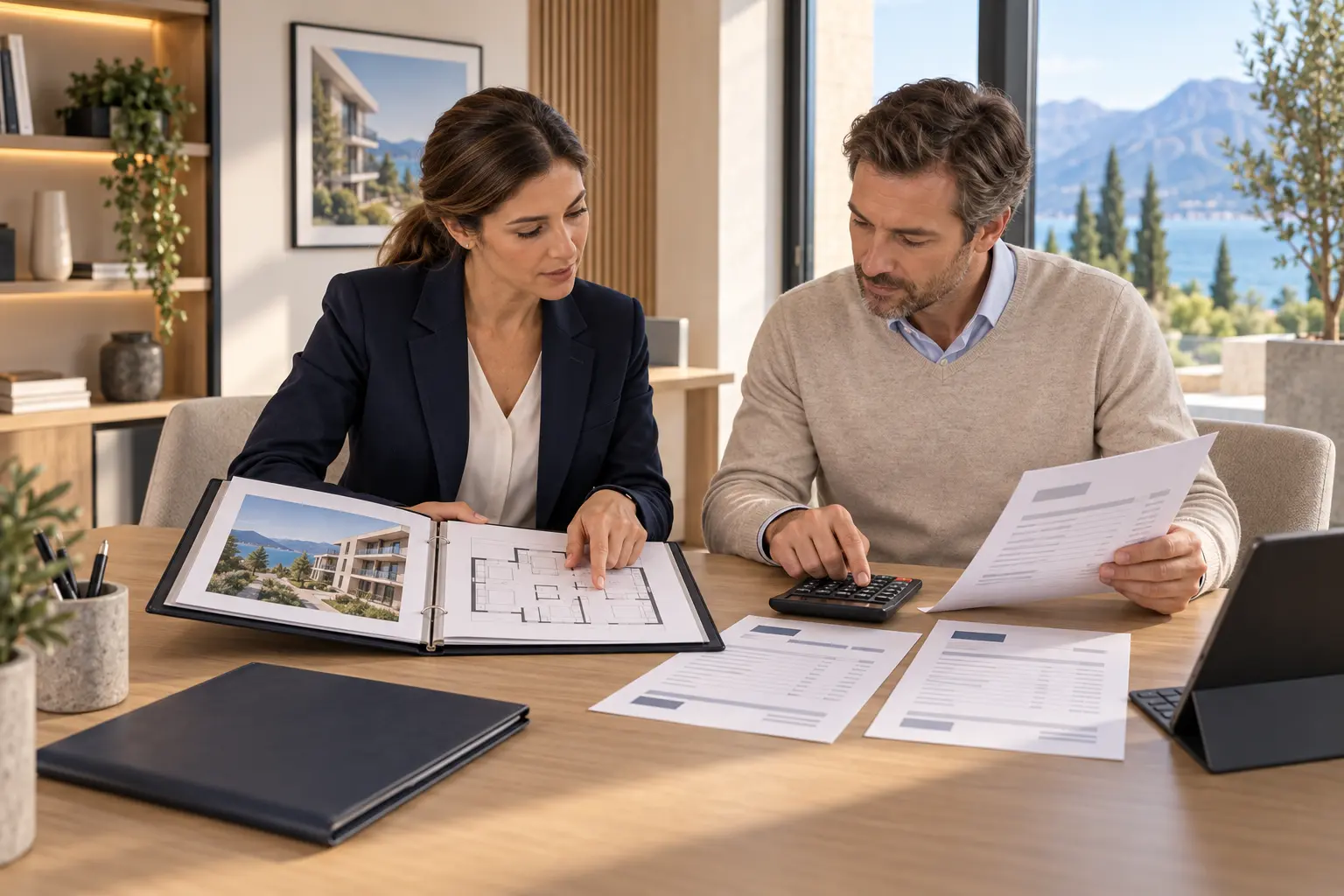
Bring rental income, costs and documents together. Share only what you authorise.
Accountancy roadmapSee how it worksThis space is reserved for a short explainer video. No YouTube video is connected in this design.
One foundation, different workspaces. No fresh start for each department.
 Help me choose