Prevention & Safety · planned

Know what to do.
Arrange it in advance.

Do more than record risks. Bring emergency plans, work procedures, roles, training and drills together around your building — with clear versions, languages and follow-up.

Explanation prototype · This shows the planned product operation. It is not an emergency plan for your building and does not replace reviewed procedures, alarms or emergency services.

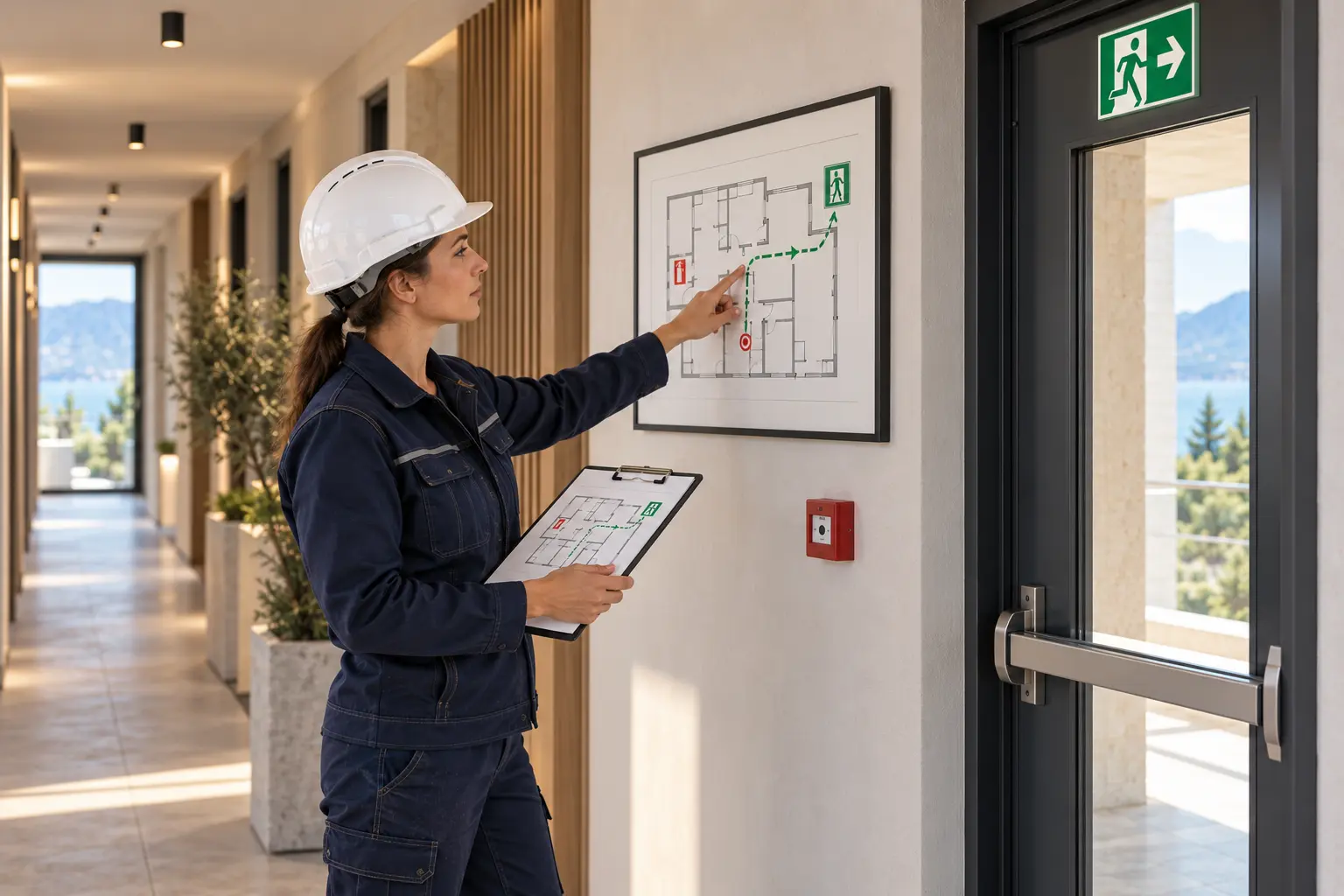
Illustration: a safety manager checks an evacuation plan beside an emergency exit.
Concept product flow · not an emergency procedure for use

Emergency plan & building information

Organise scenarios, approved building plans, evacuation information, contact roles and relevant objects in one version-controlled record. Consider fire, evacuation, a serious incident or technical failure. This example does not define a real emergency route or instruction.

Responsibility
Authorised safety manager
Practical benefit
Less searching for the right plan; clear ownership of the content.

Emergency plan & building information
Concept product flow · not an emergency procedure for use

Emergency plan & building information

Organise scenarios, approved building plans, evacuation information, contact roles and relevant objects in one version-controlled record. Consider fire, evacuation, a serious incident or technical failure. This example does not define a real emergency route or instruction.

Responsibility
Authorised safety manager
Practical benefit
Less searching for the right plan; clear ownership of the content.

Procedures & role-based instructions
Concept product flow · not an emergency procedure for use

Procedures & role-based instructions

Record which approved procedure applies to an activity, system or scenario. Show what is relevant to each role in a controlled language version. New AI-generated text remains a draft until content review.

Responsibility
Procedure owner and content reviewer
Practical benefit
The same working method for employees, contractors and external partners.
Drill, instruct & review
Concept product flow · not an emergency procedure for use

Drill, instruct & review

Plan instruction sessions and drills. Record participants, findings and areas for improvement. A receipt confirmation is not proof that someone is safe or trained; that assessment remains separate.

Responsibility
Drill leader / prevention coordinator
Practical benefit
Fewer separate schedules and better visibility of what still requires follow-up.
Authorised activation & event log
Concept product flow · not an emergency procedure for use

Authorised activation & event log

The planned Emergency Response flow can open a pre-approved scenario, inform responsible people and record confirmations. Activation follows an explicit mandate. No alarm or message is sent from this sample page.

Responsibility
Authorised incident coordinator
Practical benefit
Traceable who was informed and what was actually confirmed.
Evaluate & keep current
Concept product flow · not an emergency procedure for use

Evaluate & keep current

Link lessons learned to actions, owners and procedure review. A new plan or procedure version does not silently replace the source used for an earlier drill. Missing or outdated data remain visible.

Responsibility
Document owner and action owner
Practical benefit
A drill or incident leads to demonstrable follow-up, not just a stored PDF.
Example · practise in advance

From an approved plan
to targeted follow-up.

Prepare

The prevention adviser selects the building, current procedure version, authorised roles and reviewed language versions.

Practise

A planned drill records participation and findings. The responsible person assesses what was learned and what is missing.

Follow up

Reviewed improvement points become tasks with an owner and deadline. Reminders may follow according to permitted rules.

Review

A changed layout or system requires review of the relevant plans and instructions. The old version remains historically traceable.

Accessible when needed

The design provides controlled availability of current instructions. Offline access and any paper emergency copies must be set up and tested separately. An online AI chat is not the only access to safety information.

Meet Liv

Prevention & safety

Concerns and follow-up stay connected to the building.

Explore a practical example
Liv

Liv

Prevention & safety

Product specialist

Contact us

Watch the practical example

Pilot direction: start with one workspace and expand later.

ObraPad is designed to keep Obra Core as the shared foundation while you add capabilities over time.

Building-specific activation and restricted installer access are being prepared for the pilot and verified end to end. Ask which scopes can currently be tested.

Intended starting point

The pilot direction is to begin with one workspace and add more later.

Planned per-building expansion

The planned flow activates Construction only for the building being renovated; other buildings stay unchanged.

Planned access model

The access model is being developed so an installer or partner can use only the selected building, installation or task.

Intended example: heat pump maintenance

In the intended scenario, the installer only accesses the heat pump, its documents and assigned maintenance tasks in one building. Other buildings, financial information and private documents remain outside the scope. View, change, duration and revocation controls must be proven server-side before availability.

The design keeps an additional workspace and partner access as separate choices, with the building passport as the shared foundation.

Help me choose